

A car maintenance log with receipts and mileage
Record services, repairs, mileage and costs in Carstoric. Attach invoices and photos, track outstanding jobs, and keep a useful maintenance history.
Give each job a useful record
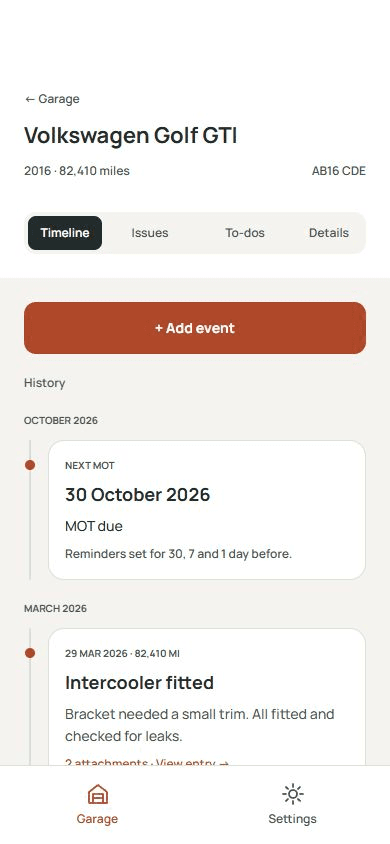
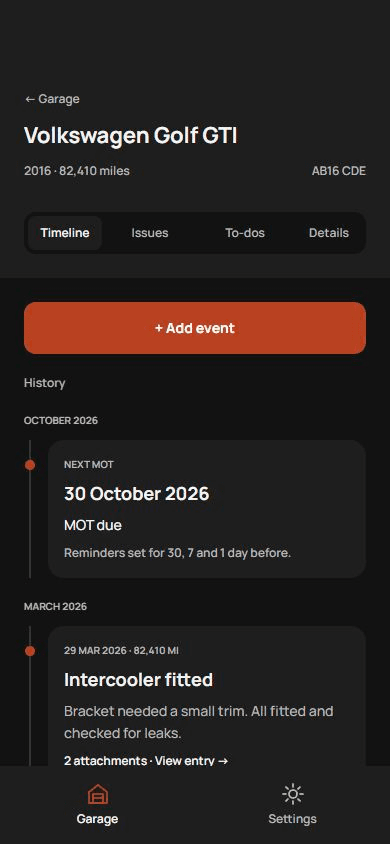
Each vehicle has a timeline for services, repairs, MOTs and memories. Record the date, mileage, cost and notes while the details are fresh. A short description of the work makes an entry easier to understand months later.
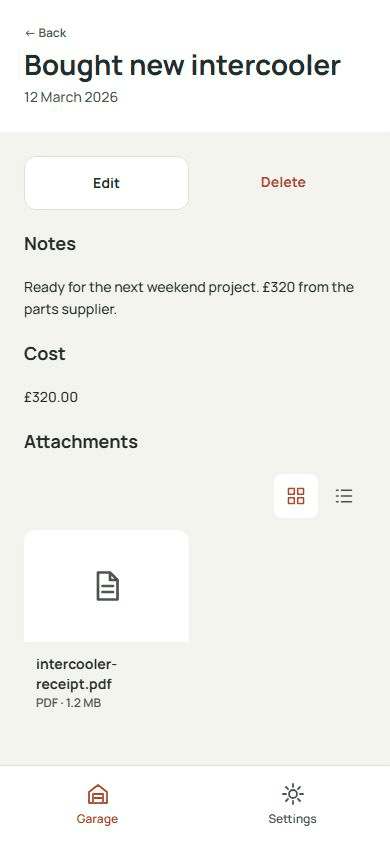
For example, an oil service entry could record the date, odometer reading, garage name in your notes, work completed and total cost. Attach the invoice so you can check the actual parts and specification later.
Keep the receipt with the work
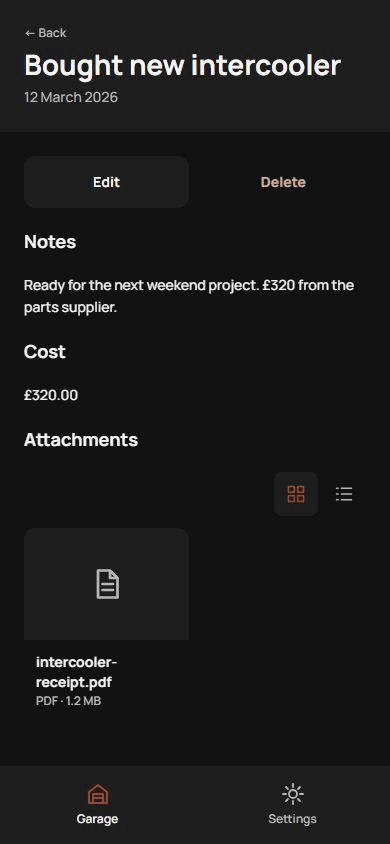
Add photos, invoices and documents to the event they describe. You can keep a before-and-after photo beside a repair, or an invoice beside a service, rather than leaving the evidence in a separate folder.
Free includes two attachments per event. Plus removes the per-event attachment count limit. File type, size and security checks still apply to uploads.
Separate finished work from the jobs ahead
Use issues for things you are watching and to-dos for jobs you want to complete. Completed maintenance belongs in the timeline, where the date and supporting evidence are easy to find.
A maintenance log records what happened. It is not a diagnosis, an official service schedule or a guarantee of roadworthiness. Follow the vehicle manufacturer's guidance and ask a qualified mechanic when work needs inspection.
Keep control of your records
Your vehicle records are private to your account. You can export your garage through Settings and keep independent copies of important documents.
A well-organised log helps you find your own paperwork and explain completed work to a future buyer. Entries you add are owner-supplied records, not manufacturer-verified service history.